Build specialized calibration panels
Edit tables, curves and fields with units, limits and familiar keyboard controls. Review proposed changes and apply them deliberately.
EPICTUNER / PLUGINS
Add specialized analysis, custom panels and your own calculations to EpicTuner. Compiled C++ plugins work with the same controls and calibration data as the host application.
SDK 1.0.0-pre.3 is available as a separate download. The complete Markdown manual includes guides, API headers and examples in one file for developers and coding agents. Use EpicTuner 0.8.5 or later for the latest plugin fixes.
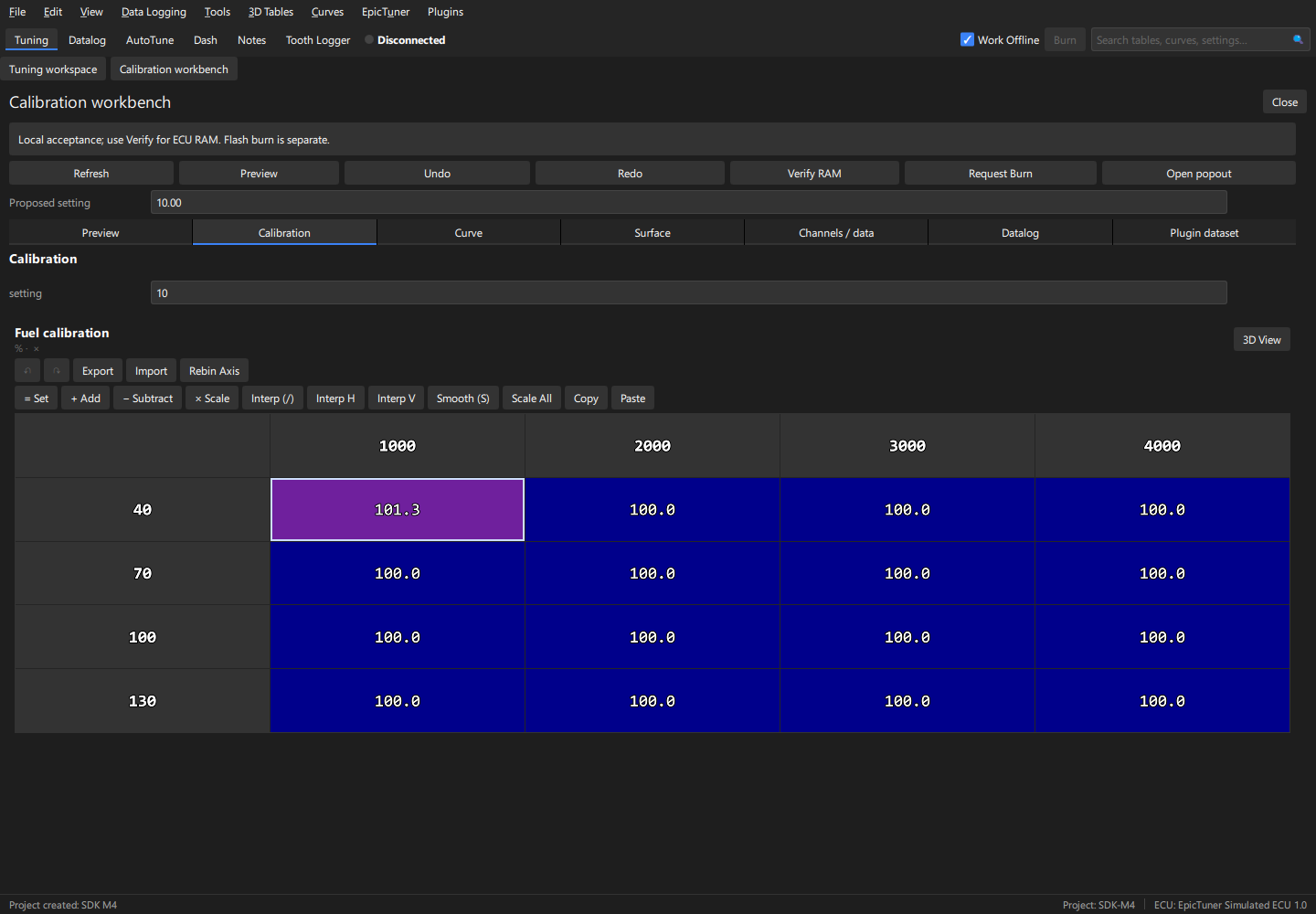
Real EpicTuner interface · SDK calibration example · Synthetic data
EXTEND THE WORKSPACE
Edit tables, curves and fields with units, limits and familiar keyboard controls. Review proposed changes and apply them deliberately.
Follow live channels, inspect graphs and analyze recorded logs. Compare ranges and surface useful results alongside your calibration.
Build native plugins for analysis tools, specialized panels and proprietary calculations. EpicTuner renders the controls; your compiled worker owns the plugin logic.
YOUR WORKSPACE, CONNECTED
Bring live data and calibration into the same workflow. The plugin SDK exposes timestamped channel values, sample quality, project events and bounded datalog reads.
Start development with supplied synthetic logs and the Mock ECU before connecting a real project.
See the telemetry example →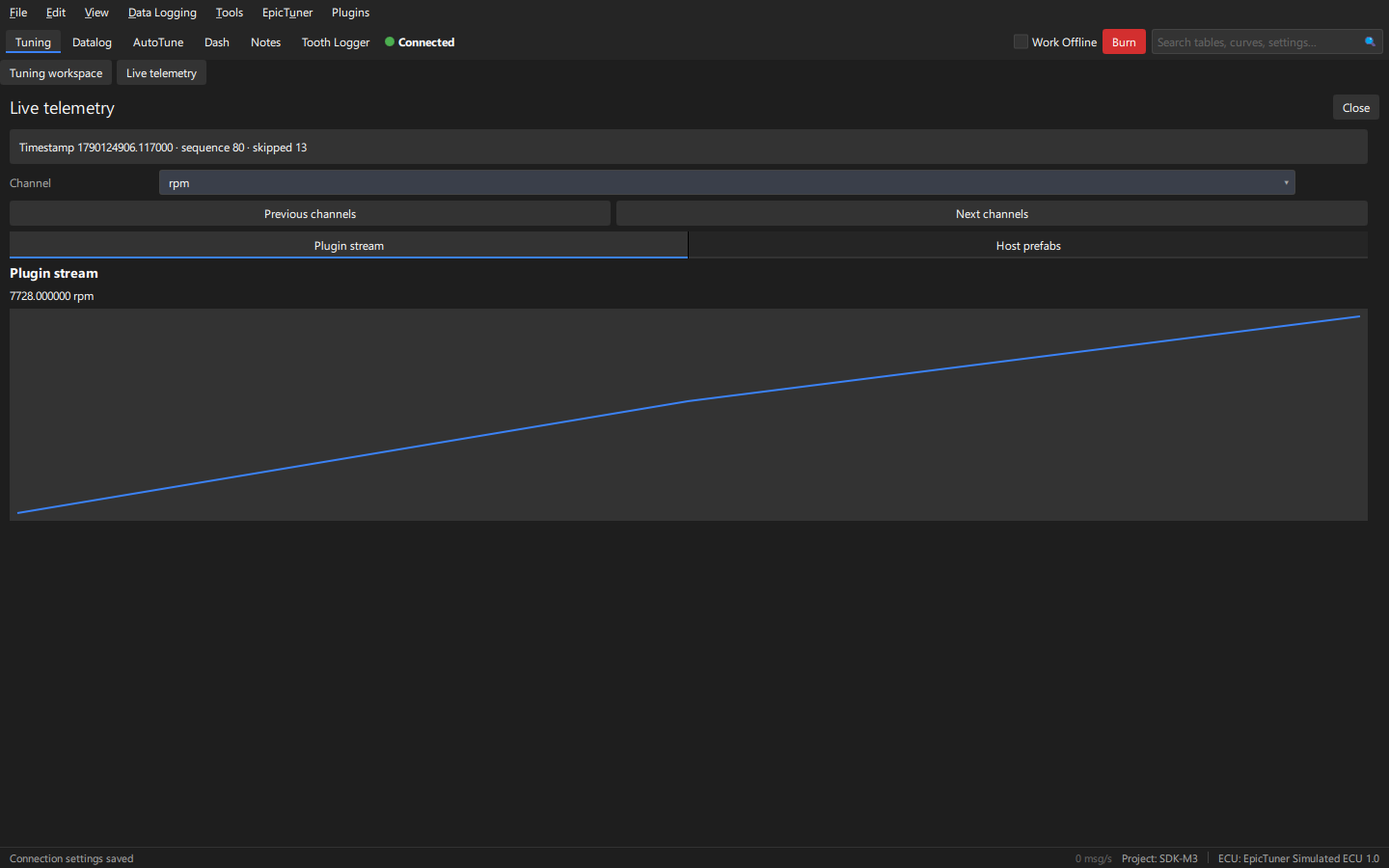
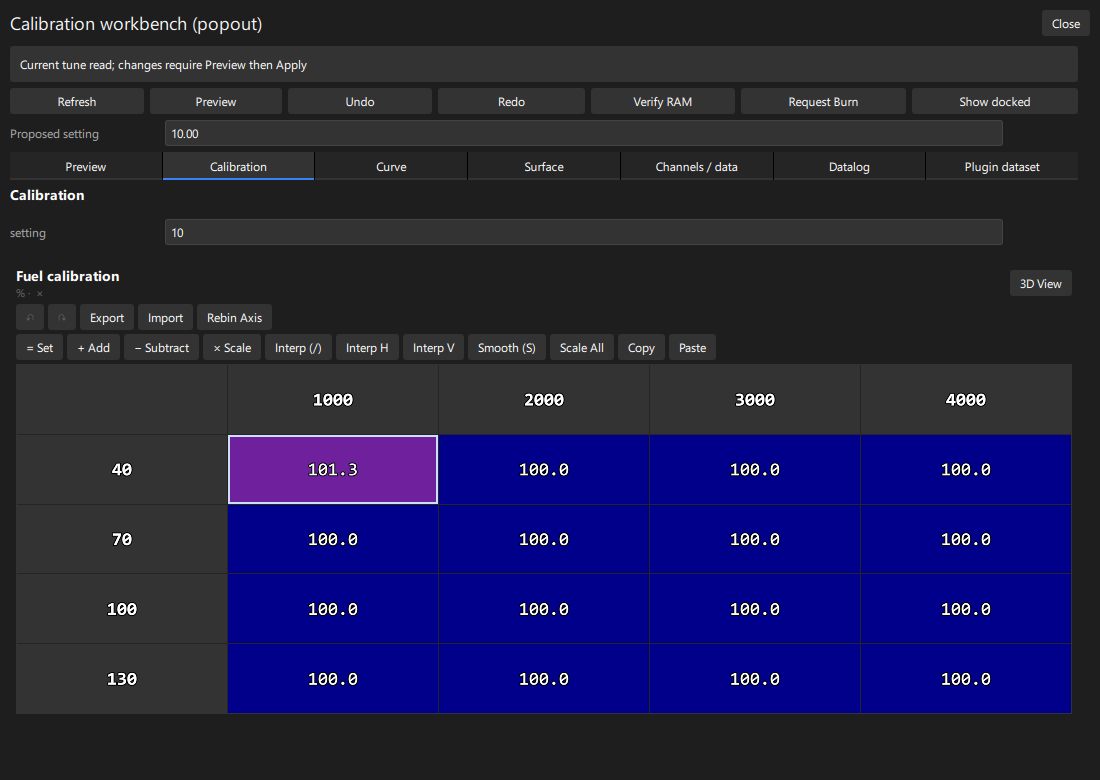
DOCKED OR POPOUT
Keep a plugin in your calibration workspace, open it as a floating window, or use both together. Host-rendered panels keep the same EpicTuner controls in either view.
The calibration example demonstrates separate panel state with shared host calibration data.
Explore the calibration workbench →NATIVE C++ PLUGIN SDK
Create workspace panels, floating windows and modal dialogs through a Qt-free C++20 builder. Bind tuning prefabs to calibration data, or build an independent Dear ImGui window.
A versioned C ABI connects each plugin to its own worker process. Signed packages and entitlement APIs support free and paid extensions.
Build your first plugin →PanelBuilder panel("com.example.tool.main",
"My analysis tool");
panel.add(ET_UI_COLUMN, "root");
panel.add(ET_UI_BUTTON, "analyze", "root")
.text(ET_UI_TITLE, "Analyze log");
return ui.define(panel, &completion);START EXPLORING
Follow the starter tutorial, browse eight example plugins, and use the API reference for ownership, threading and deployment rules.
Windows x64 is the primary application validation environment. See the platform matrix for Linux and ARM64 verification. The separate prerelease SDK permits plugin development and distribution, including commercial plugins. Redistribution of the SDK itself is prohibited.