calibration-workbench
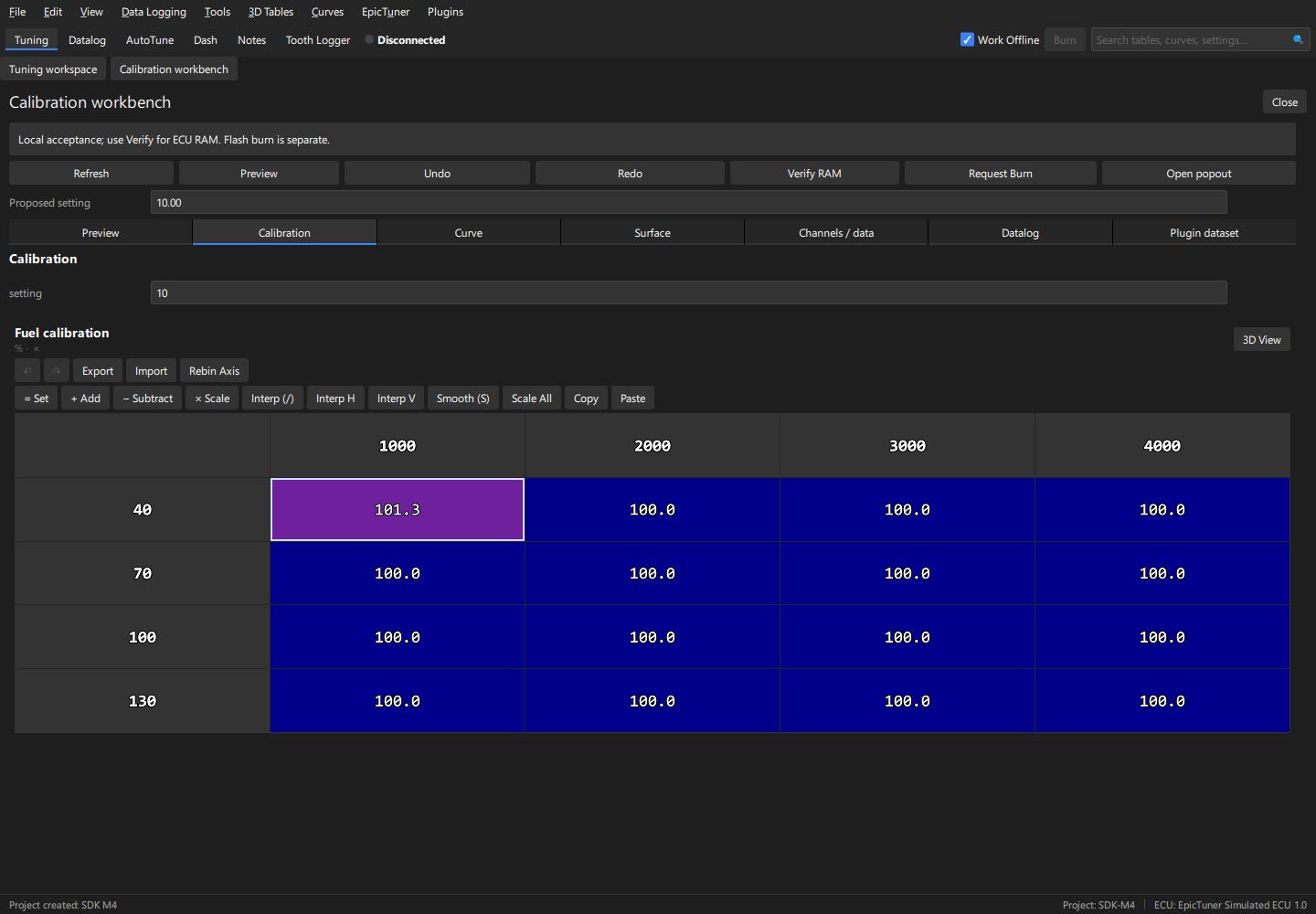
SDK-only C++20 example, with no Qt or private application headers. The shared
implementation is ../common/calibration.hpp. Build from the exported SDK:
cmake --preset release
cmake --build --preset release
Alternatively pass -DCMAKE_PREFIX_PATH=/absolute/path/to/sdk to a normal CMake
configure. Start the host with --plugin-development --plugin-manifest followed
by the absolute generated build/plugin.json path. The Plugins menu opens the
panel. Safe mode overrides development opt-in. For a local package, place the
built library and generated manifest together; preserve the manifest entry name.
For signed installation, use the test catalog or
the publishing guide.
Create an isolated project from synthetic.ini; select Mock or work offline. The workbench tabs
show the field/table/curve/surface, channels, datalog and plugin dataset prefabs.
Refresh snapshots the current revision. Set the proposed setting, click Preview, inspect normalized values, then Apply preview. Undo/Redo acts on that complete accepted group. Verify RAM reports the separate ECU outcome. Request Burn opens a separate host confirmation.
Acceptance: the fixture is seeded to 100 percent fuel by the application test. Integer request 12.7 previews/stores 13; fuel request 101.26 previews/stores 101.3. Intervening manual/AutoTune changes reject the stale proposal. Clipboard/keyboard and save/reopen checks use the existing native editors.
Docked and popout together
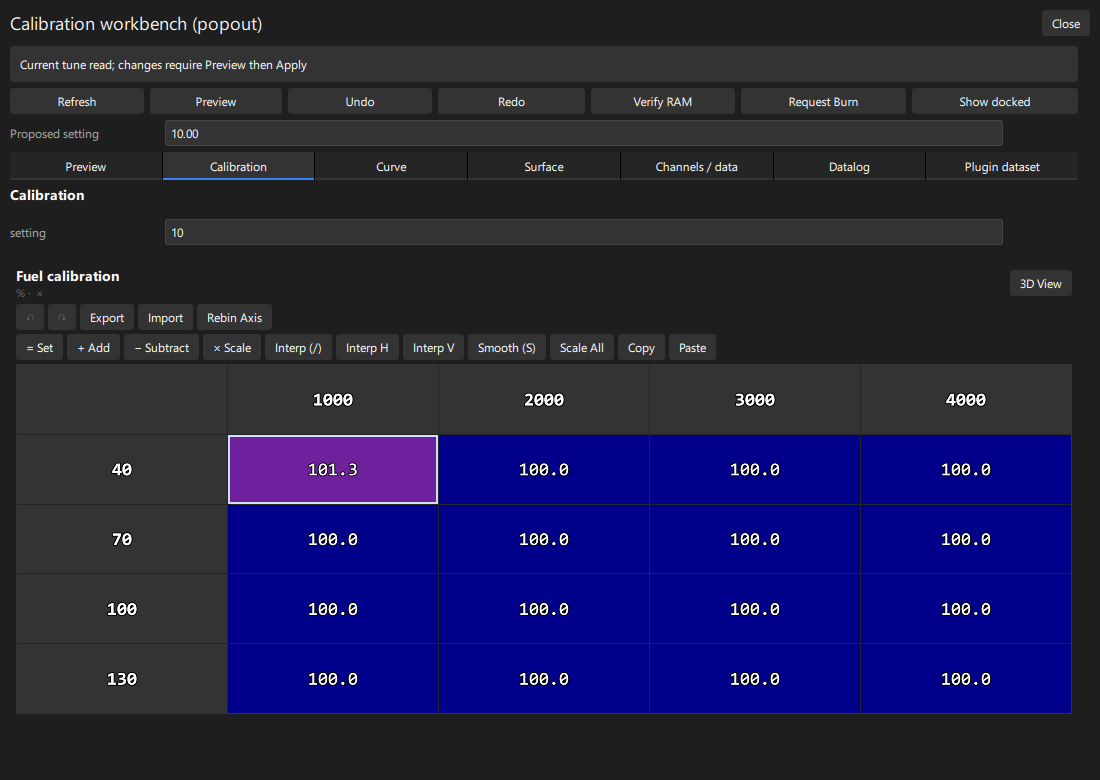
The main panel explicitly permits ET_PLACEMENT_WORKSPACE. Click Open popout
to open a second complete workbench in an ET-managed floating window, explicitly
declared with ET_PLACEMENT_FLOATING. Show docked focuses or reopens the main
workspace. Both can remain visible at the same time. The Plugins menu also lists
the popout directly. Each definition is a singleton: repeated opens focus it.
The shared implementation registers .main and .popout and routes UI events by
event.definition. Each view owns its callback state, proposal, UI revision and
preview inputs. Host calibration prefabs read/write the same project; a change
from either view updates the other. A proposal prepared before another edit must
be refreshed and recomputed. Closing one view does not close the other.
For multiple instances of one definition instead, use ET_PANEL_MULTIPLE and
nonempty instance IDs. Keep callback/model state separate for each instance.
See panel placement examples.
Acceptance: open both views, edit a field/table cell and observe both; change Proposed setting in one view and check the other input is unchanged. Close and reopen the popout; the docked workspace stays usable. Tab state persists per view. These synthetic fixtures do not establish physical ECU certification.