live-telemetry
Build against the extracted SDK 1.0 with CMake 3.24+ and a native C++20 compiler. No Qt or private application headers are required.
cmake -S . -B out -G Ninja -DCMAKE_PREFIX_PATH=/absolute/path/to/sdk
cmake --build out
Or set EPICTUNER_SDK_ROOT, then run cmake --preset sdk and
cmake --build --preset sdk. Windows needs an initialized MinGW or x64 MSVC
environment. CMake generates a manifest for the selected OS/architecture.
Development package recipe: copy out/live-telemetry.dll (Linux: live-telemetry.so) and
out/plugin.json into one directory. Launch EpicTuner with
--plugin-development --plugin-manifest /absolute/path/plugin.json.
Open the example under Plugins > Examples. These unsigned packages require
explicit opt-in on each launch. For signed installation, follow Publishing.
Never include private tunes or INIs.
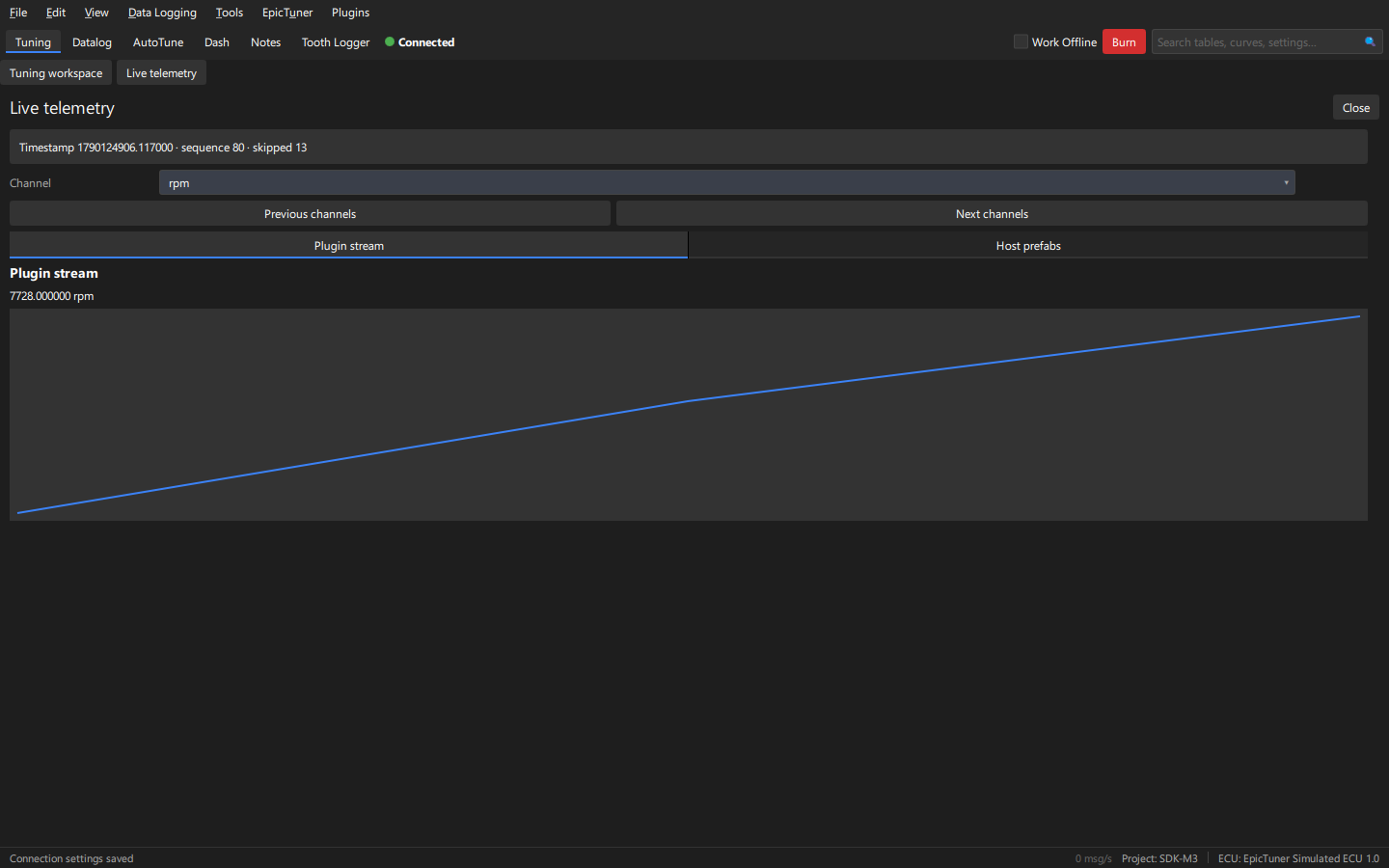
See READ.md for API contracts and bounds. The Host prefabs tab includes the channel picker and live graph prefab.
Create a temporary project from synthetic.ini, choose Mock and a 100 Hz request
rate, then connect. The picker pages through 16 channels; the readout/graph report
timestamps, units and skipped samples. RPM publishes a namespaced compiled RPM/2
channel. Disconnect/reconnect, close/reopen and switch channels. Closed panels
release subscriptions. Display coalescing intentionally reports gaps. No ECU writes.